How to Choose the Best DPI for Your Mouse
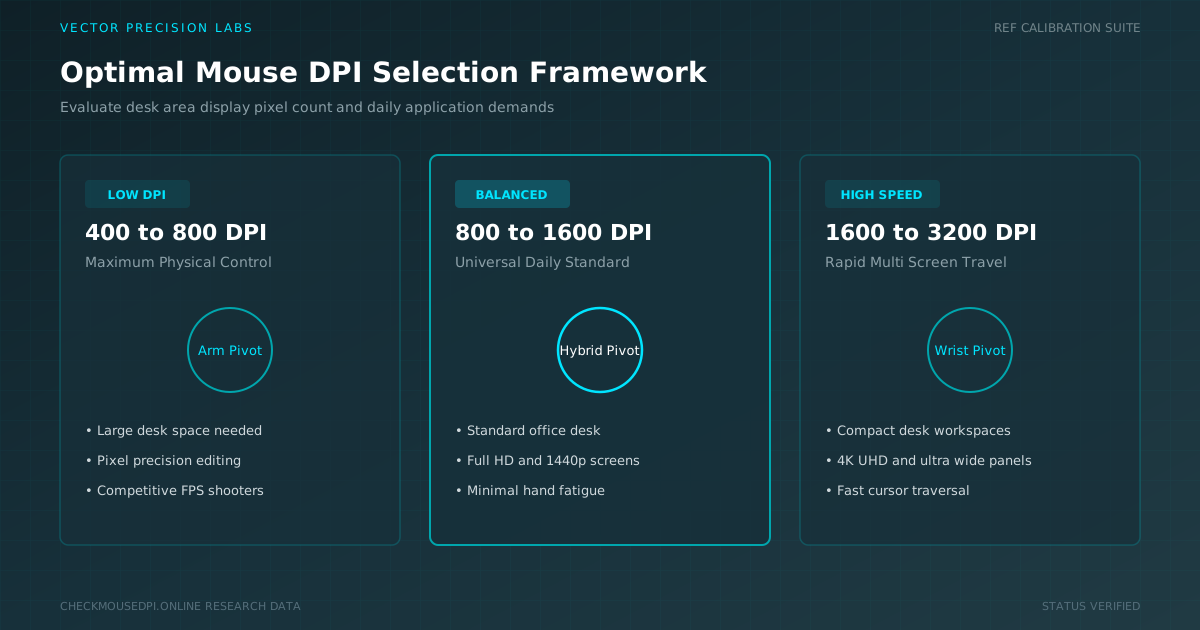
Choosing the best DPI for your mouse does not mean selecting one universal number. DPI determines how far the cursor moves when you physically move the mouse.
Explore empirical bench tests, sensor physics, eDPI conversion formulas, and latency calibration whitepapers written by hardware specialists.
Choosing the best DPI for your mouse does not mean selecting one universal number. DPI determines how far the cursor moves when you physically move the mouse.
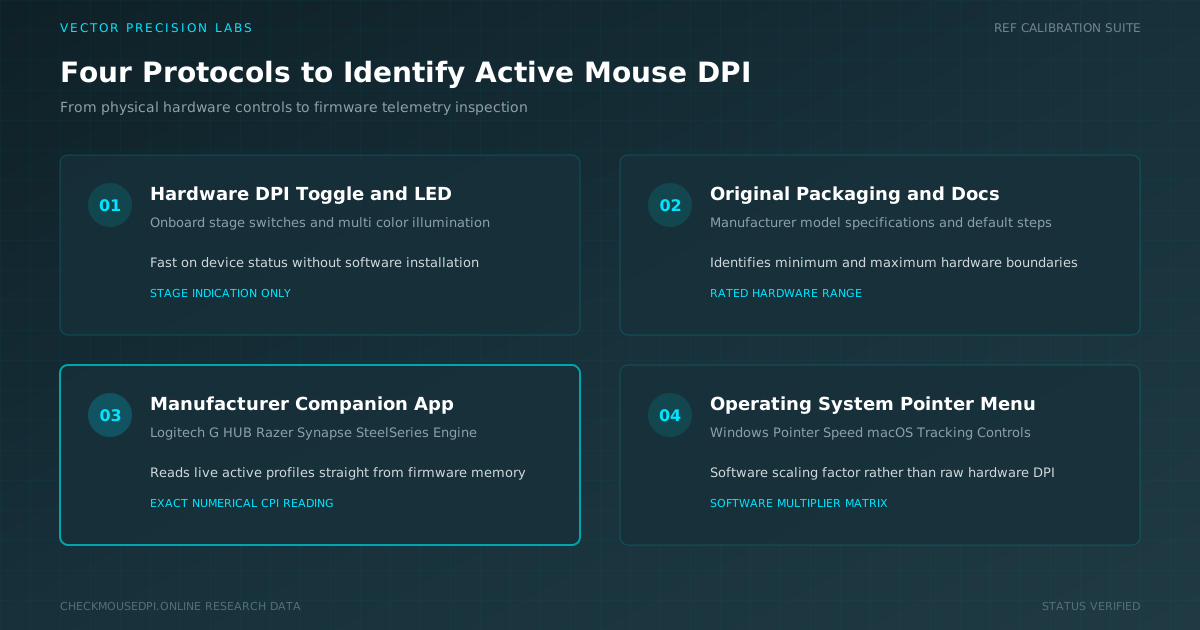
The speed of your mouse pointer is not always determined by Windows settings alone. Your mouse may already have a specific DPI value selected.
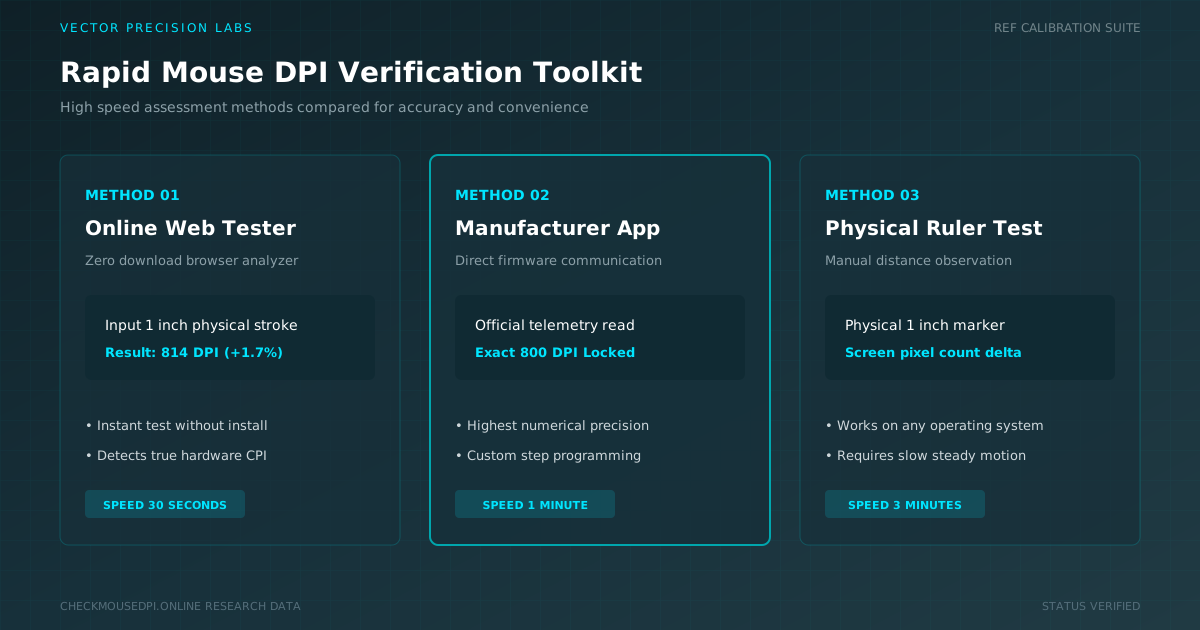
Your cursor speed depends entirely on one hidden number most people never think about. Learning to check mouse DPI quickly takes only minutes.
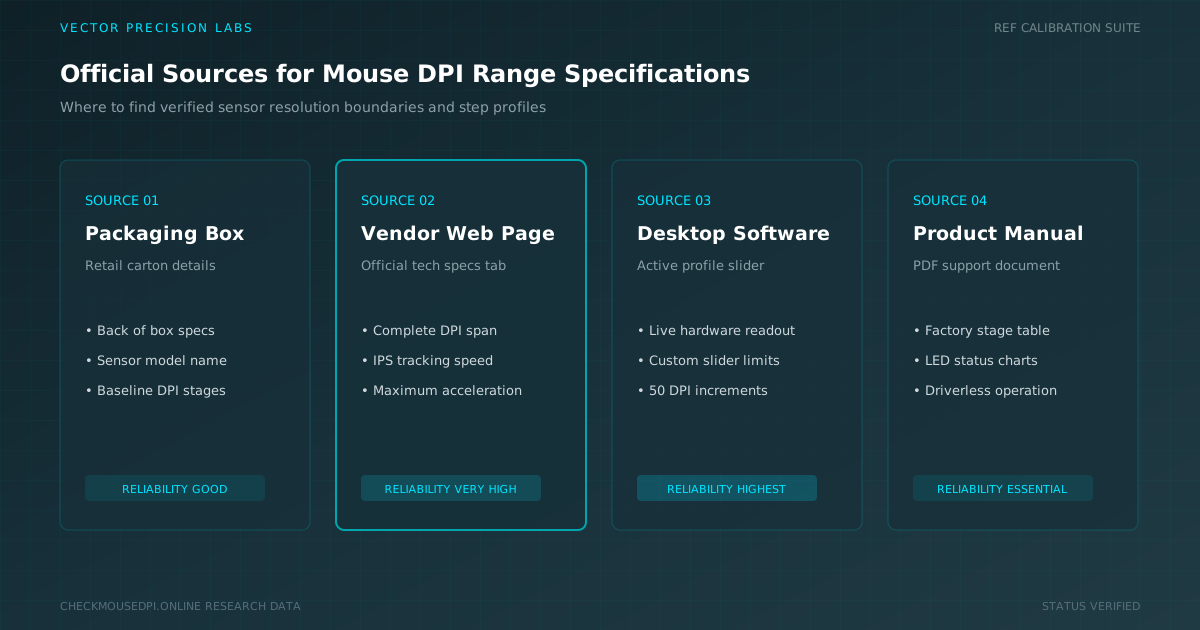
Find your mouse DPI range, maximum sensor resolution, and supported DPI levels using tech spec sheets, companion software, and sensor models.
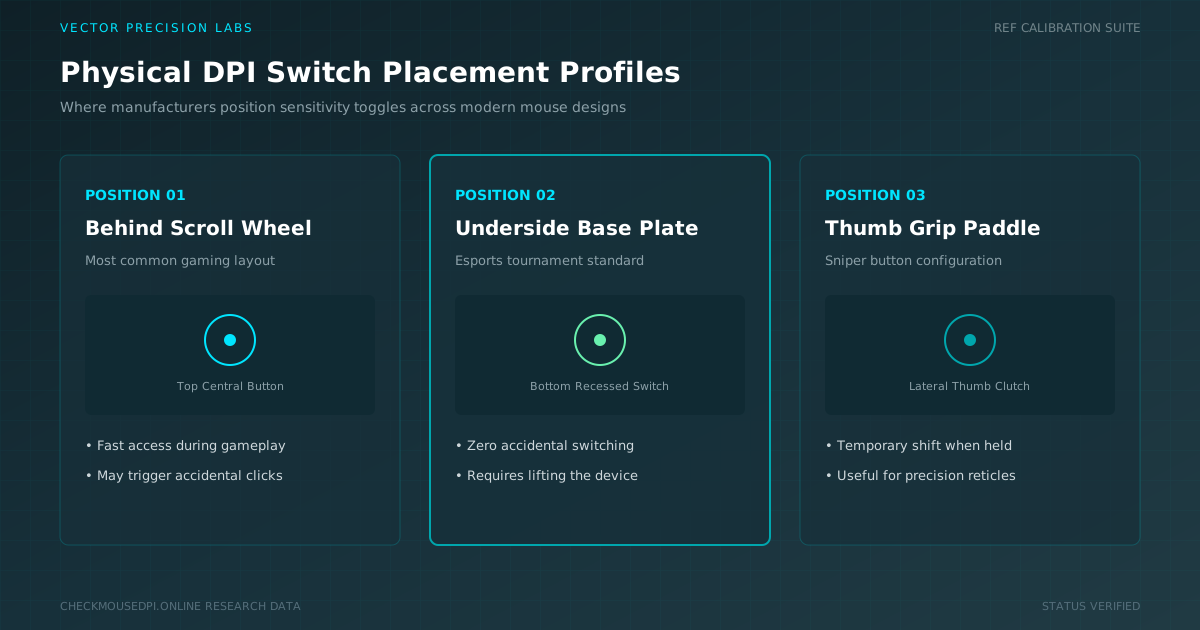
Finding the DPI controls is easier when you know where manufacturers place them. Some mice have a dedicated button, while others use mouse software.
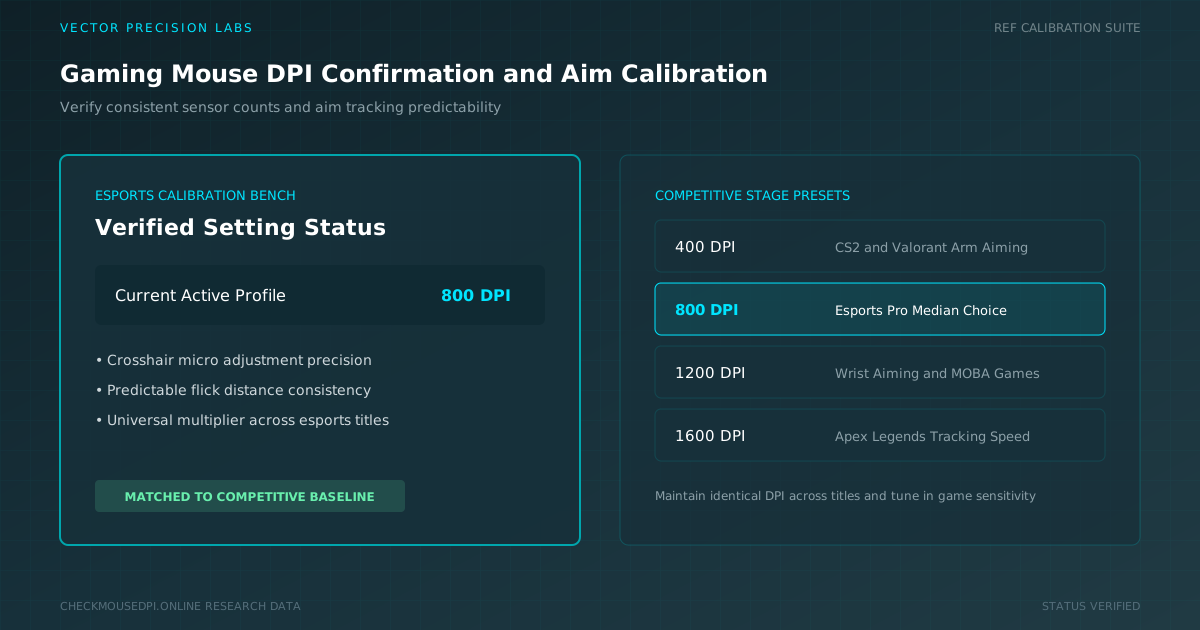
Knowing your gaming mouse DPI helps you understand how quickly the cursor responds to physical movement. DPI affects mouse sensitivity and aiming control.
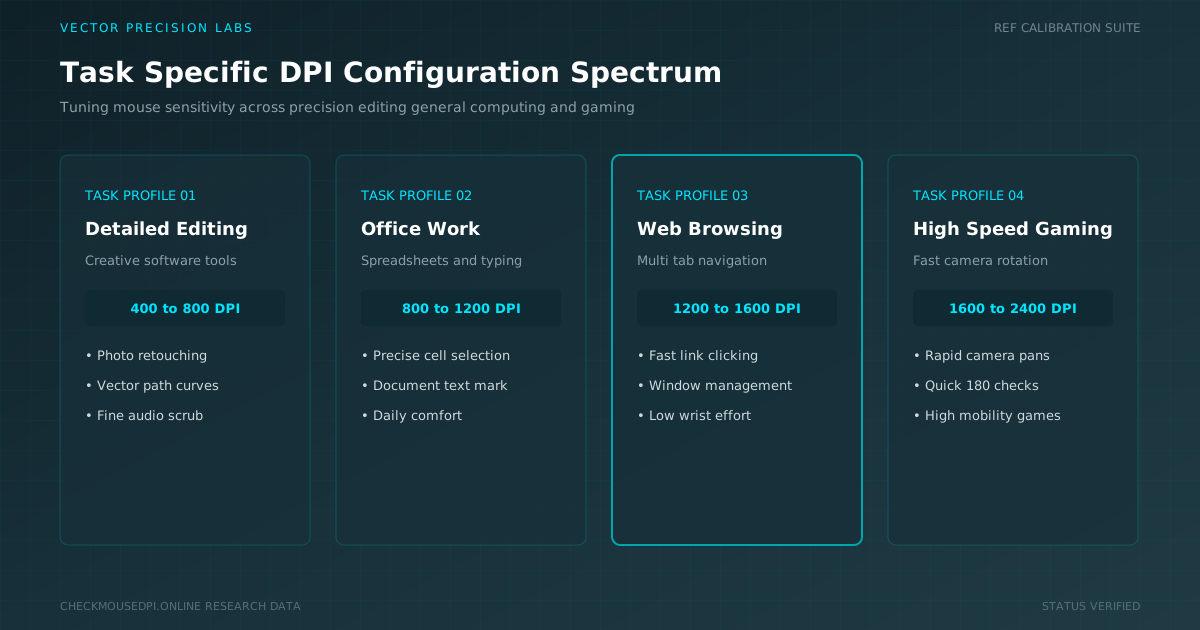
A single Mouse DPI rarely suits every task. Learn how to adjust sensitivity and switch DPI profiles for gaming, photo editing, and daily workflows.
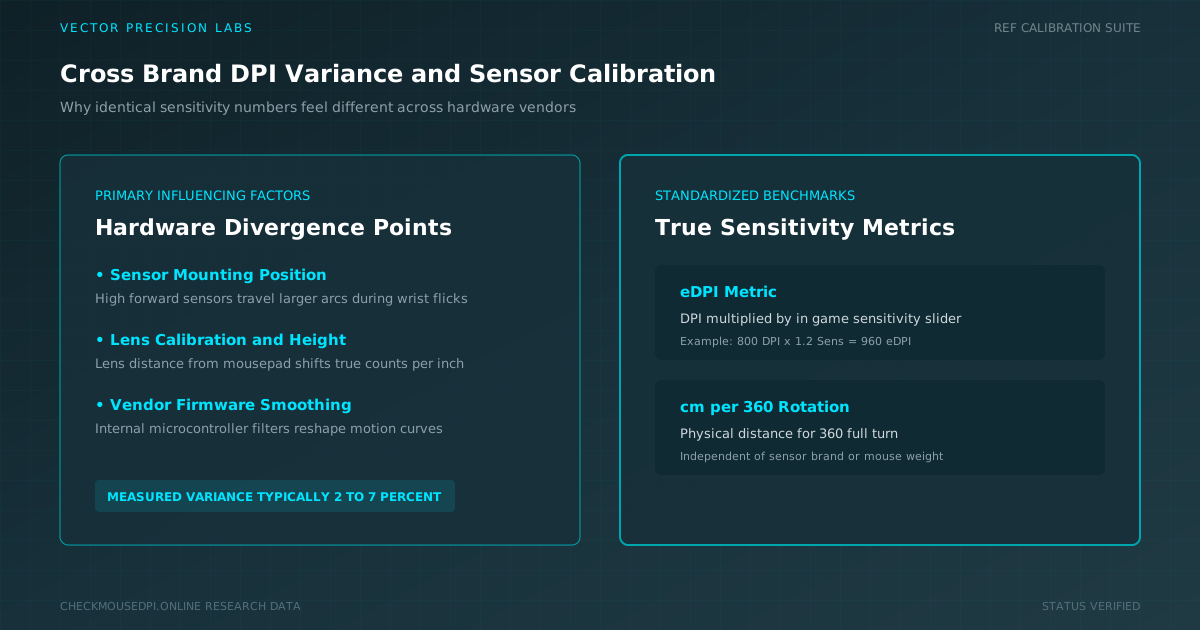
Learn why identical DPI settings feel different across mouse brands, how sensor placement affects aim, and how to normalize sensitivity using eDPI and cm/360.
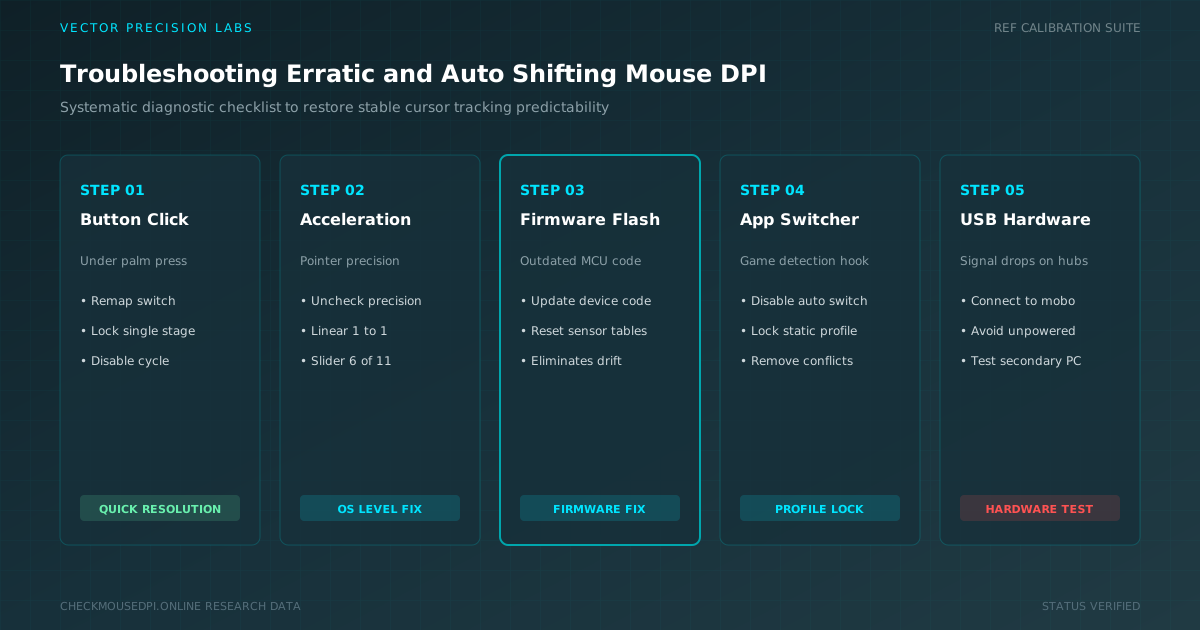
A cursor that suddenly speeds up or slows down mid-task is more than annoying. Mouse DPI should stay fixed until you change it yourself.
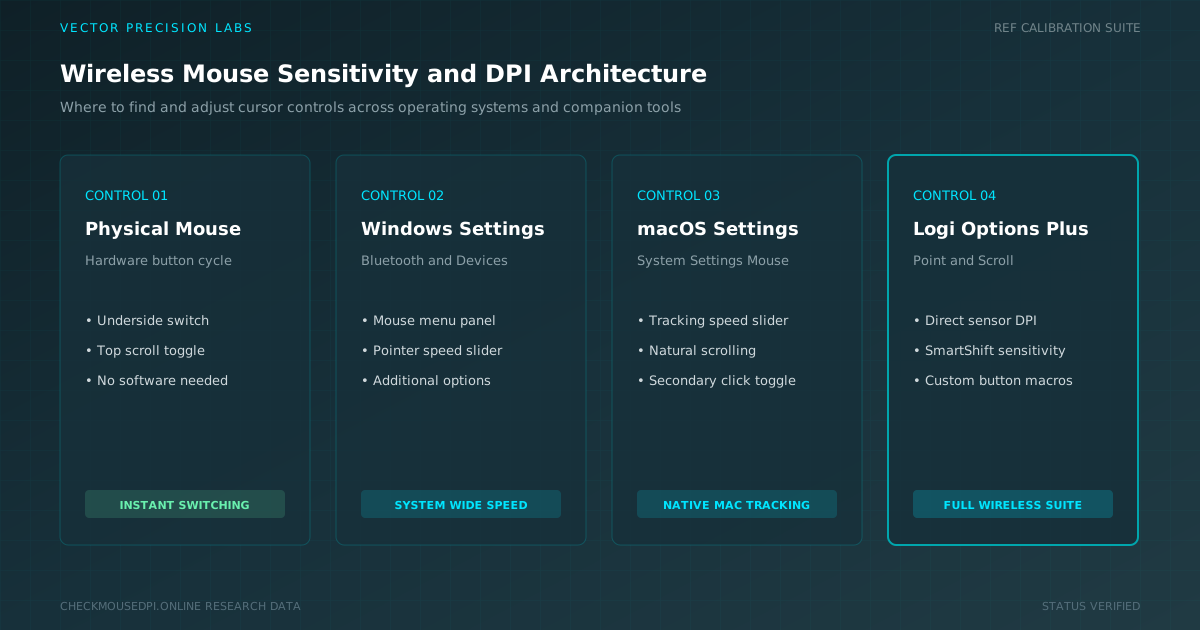
Learn where to find and adjust DPI settings on a wireless mouse across Windows, macOS, physical switches, and manufacturer companion software.